
Missile Stream
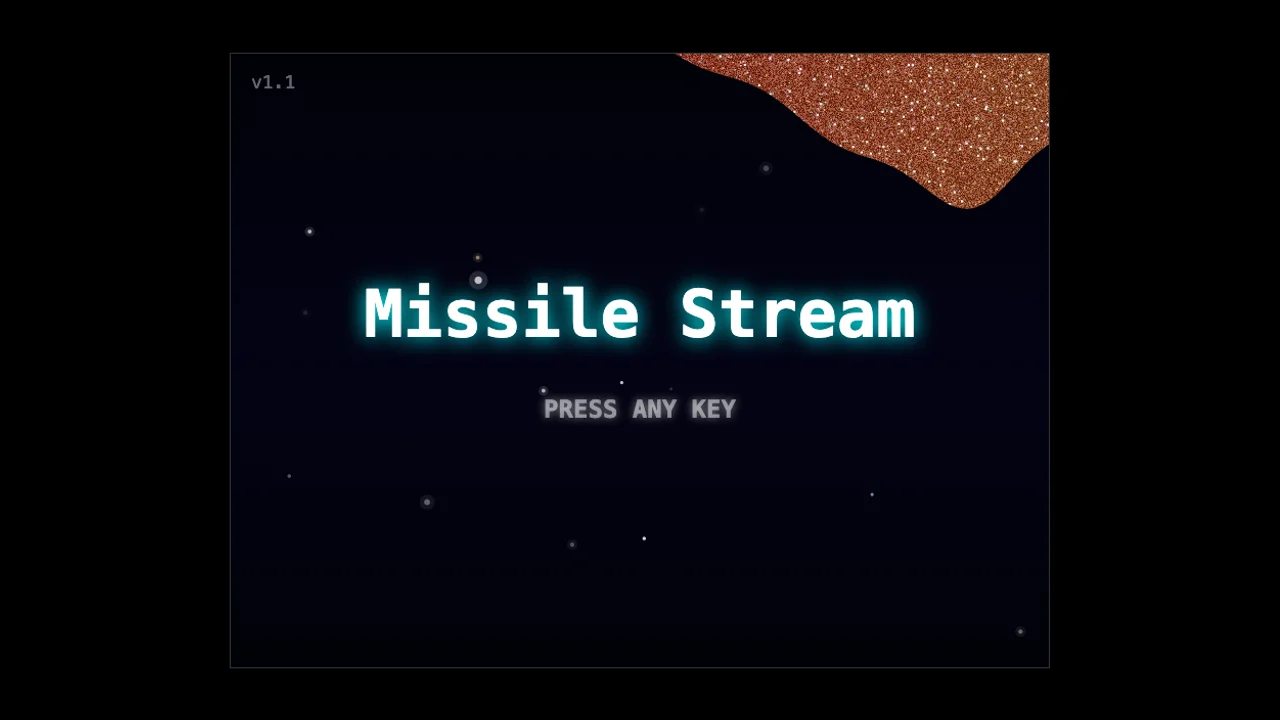
Missile Stream: Precision One-Button Flight & Demolition Challenge
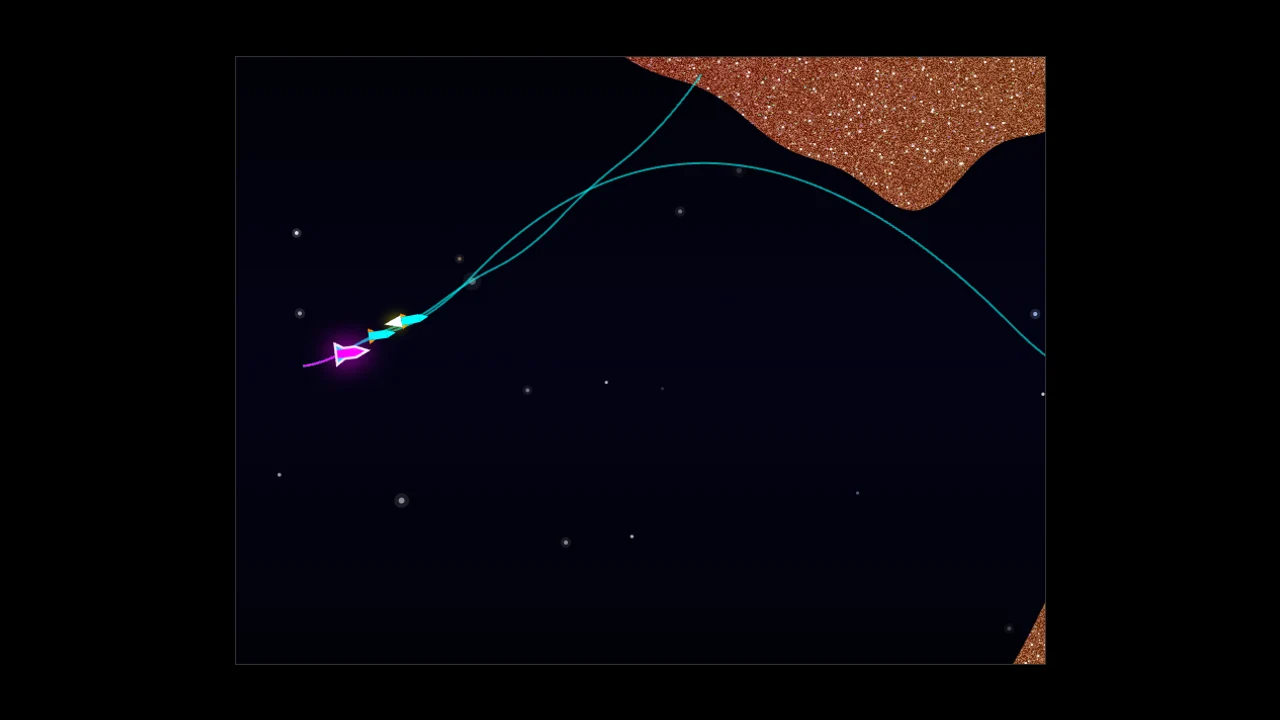
Every great reflex game comes down to how much depth a designer can squeeze out of a single input. In Missile Stream, developed by ktch9541, a solitary button controls the vertical pitch of a high-velocity warhead hurtling through a 15,000-meter mineral cave. If it were only an endurance cave flyer, the steep S-curves and accelerating horizontal scroll would crush all but the most robotic players within seconds. What makes Missile Stream a standout browser challenge is how it weaponizes your failed attempts: every single time you slam into the rock wall, that flight path is saved and re-launched alongside your next attempt as an autonomous ghost missile.
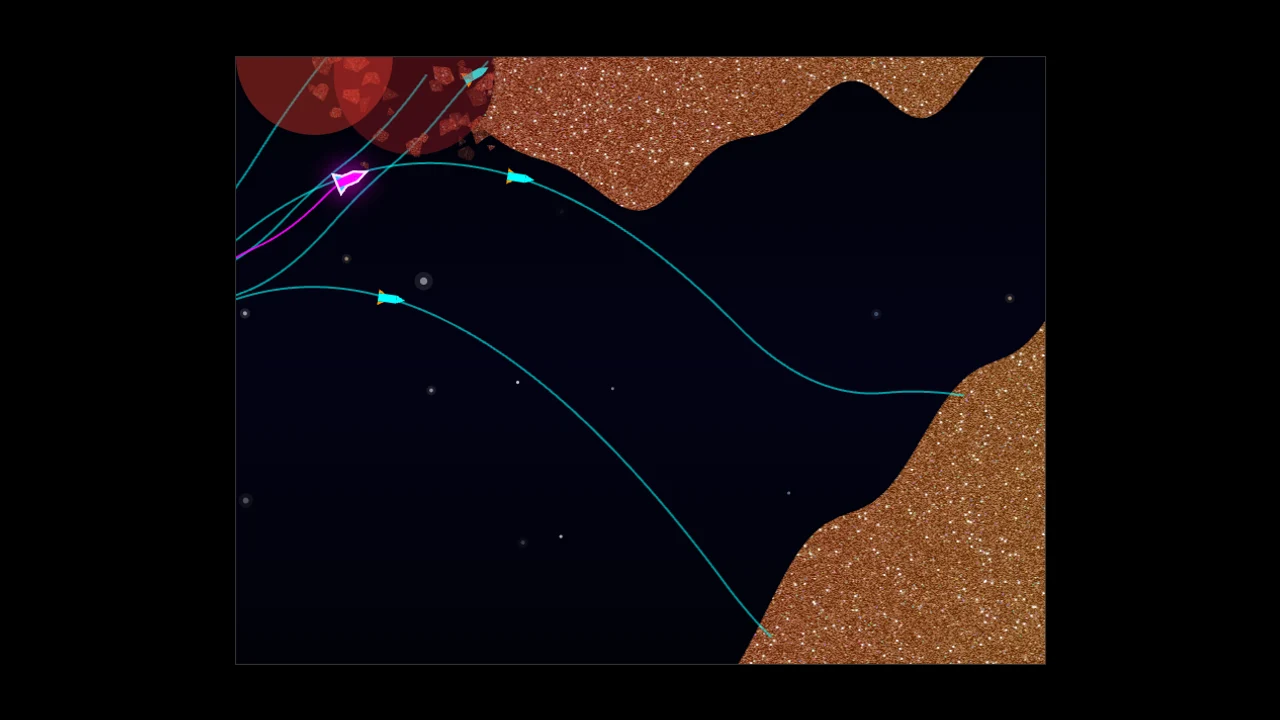
Those cyan-bodied ghost rockets do not merely serve as visual pace markers like time-trial ghosts in racing games. When a ghost missile reaches the exact pixel where you crashed on an earlier run, it detonates on impact and gouges a permanent crater out of the cave wall for your current flight. Success in Missile Stream requires a blend of rhythmic finger control and deliberate route engineering, turning every mistake into a stepping stone toward the final goal line.
Core Challenge Loop: From Solo Scout to Demolition Squadron
When you launch Missile `1`, the cavern walls start wide and forgiving for the first 300 meters before narrowing into a sinusoidal tunnel packed with gold-flecked rock formations. Your rocket begins at a manageable horizontal speed of `4` pixels per frame, but a continuous acceleration curve pushes your forward velocity toward `15` pixels per frame the longer you stay airborne.
Sooner or later, a sudden downward dip or an overhanging stalactite will catch your warhead. The impact triggers a booming low-pass filtered explosion, scatters jagged rock fragments with simulated gravity and friction, and resets you back to the entrance in less than a second. On Launch `2`, you are no longer flying alone: Launch `1` fires seven frames ahead of you, tracing a glowing cyan ribbon through the cave and blowing a 150-pixel chunk out of the exact wall that stopped you moments ago. If you love physics-driven skill games like [Flip Physics](/flip-physics) or rhythm challenges like [Nate Hand Gesture](/nate-hand-gesture), mastering this feedback loop is deeply satisfying.
How to Launch and Navigate the 15,000-Meter Tunnel
Getting into the rhythm of Missile Stream is instantaneous:
1. Click the embedded game canvas at the top of this page and press Spacebar, Up Arrow, or tap the touchscreen to clear the title screen.
2. Observe the large white attempt counter in the middle of the viewport (`1` on your opening launch).
3. Press and hold your input to fire the rear thruster and pitch the nose upward, or release to let gravity pull the nose downward.
4. Aim to cross the first dashed checkpoint line at 5,000m, push through the high-speed middle section to the 10,000m checkpoint, and breach the animated finish banner at 15,000m.
Input Timing and Physics Breakdown
Because you only have one active action—thrust on or thrust off—understanding how the physics engine processes your button holds is the key to surviving past 10,000 meters:
- Active Upward Thrust (`isPressing = true`): Holding Space, Up Arrow, Enter, any standard letter key, or touching the screen applies an upward vertical acceleration of `-0.16 * moveScale` per frame at 60 FPS.
- Passive Gravity Drop (`isPressing = false`): Releasing the key or lifting your finger applies a downward gravitational acceleration of `+0.07 * moveScale` per frame.
- Asymmetric Climb vs. Dive Rate: Notice that upward thrust (`0.16`) is more than twice as strong as downward gravity (`0.07`). That means your missile climbs much faster when you hold the button than it drops when you release it. If you wait until you are already brushing the ceiling to let go, downward gravity will not pull you down fast enough to avoid a crash.
- Speed-Coupled Vertical Scaling (`moveScale`): As your horizontal speed increases relative to your starting speed, vertical responsiveness multiplies by `1.2 * (speedRatio ^ 1.2)`. By the time you pass 10,000 meters, even a brief 150-millisecond tap produces a dramatic upward surge.
Reading the Terrain and Placing Strategic Explosions
The 15,000-pixel stage is divided into eight 2,048-pixel canvas chunks generated from layered sine waves (`centerWave1`, `centerWave2`, `centerWave3`) combined with high-frequency surface noise. While the cavern layout remains consistent across attempts, the tunnel width constricts and undulates sharply after the first 1,300 pixels.
To minimize the total number of missiles needed to clear the stage, treat your ghosts as timed breaching charges:
1. Target the Inside Corner of Tight Bends: Since your missile travels fastest horizontally in the second half of the stage, sharp vertical inflections are the hardest sections to steer through. Intentionally crash a scout missile into the protruding inner lip of a tight bend so the resulting crater straightens out the racing line for all subsequent runs.
2. Leverage Distance-Scaled Blast Power: The crater radius formula scales linearly from `75px` at the start line up to `225px` at the 15,000-meter finish. A single well-placed impact at `12,000m` removes nearly half the vertical height of the screen.
3. Mind the 7-Frame Stagger Window: Each new missile spawns with an extra 7-frame delay (`startFrameOffset += 7`). If your current run takes a much flatter, shorter path than an earlier ghost that swung wide up and down, your magenta missile can actually arrive at an obstacle *before* the ghost finishes its detour. Keep your approach speed aligned with the cyan trajectory lines so the explosion happens ahead of your nose cone.
Mistake Recovery and Speedrun Optimization
One common mistake among beginners is holding the thrust key down while waiting for a crash explosion to finish, which can cause a panic climb on the next launch. Fortunately, Missile Stream includes a built-in 10-frame `inputLockTimer` on every respawn that resets `player.isPressing` to `false`. Use that brief pause while the attempt counter flashes in the center of the screen to relax your hand and plan your opening trajectory.
When you finally pierce the 15,000-meter goal line, the game stamps your final missile count onto the finish banner and transitions into an automated Replay Mode (`● REPLAY`). The camera smoothly eases (`REPLAY_CAMERA_EASING: 0.05`) to follow whichever ghost missile is furthest downrange, letting you study where your swarm succeeded and where redundant crashes occurred. After two complete replay loops, tap any key to reset the counter to `1` and see if you can shave five or ten missiles off your personal best. You can also explore more fast-reaction browser titles on our [Hot Games](/hot-games) and [New Games](/new-games) pages.